

Child-Minding
AKA. THE ICON KIDS CLUB
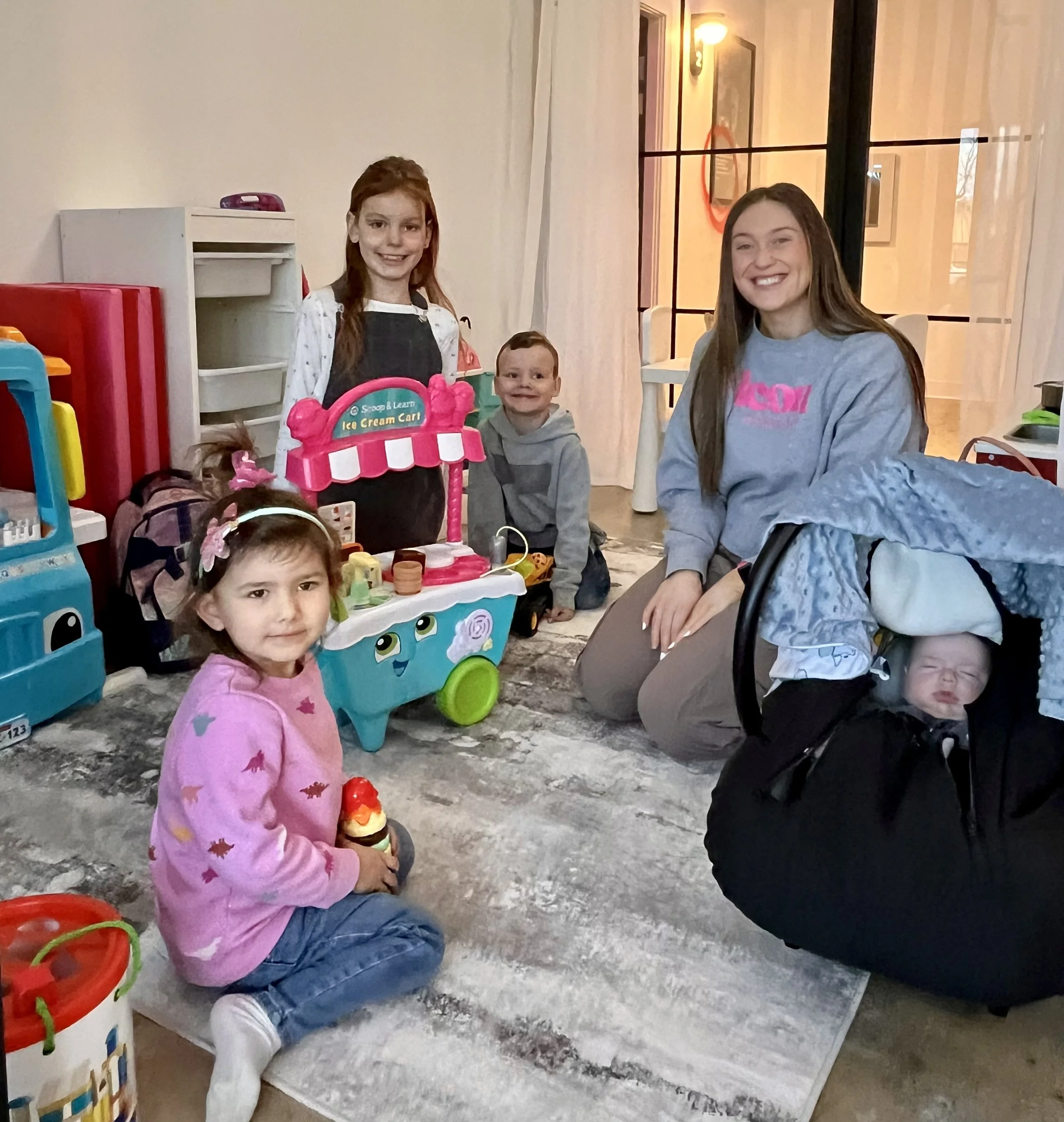
Our child-minding service makes it easy for moms to manage mom life without having to compromise conquering your much-needed daily workout.

-
Services are available to children aged 6 weeks to 12 years. We provide a cozy space stocked with toys & books for all ages so you can focus on yourself for your 50 minute workout!
-
Our child-minding services are available to clients attending their class at the studio. You must remain on site while your child is in our care.
-
You can book your child in up until 15 minutes before the class start time. However, please watch our schedule as child-minding sessions that don’t have any registrations will be cancelled at the following cut-off times:
Morning child-minding (9am/10am/11am): sessions with no reservations will be cancelled at 9pm the night prior to the session,
Afternoon/evening child-minding (4pm/5pm): sessions with no reservations will be cancelled at 12pm the day of the session
What does this mean? We have a dedicated team of child-minding staff and have a cut-off time in place to allow us to plan our staffing needs & to allow our staff to plan their lives. If a child-minding session has 0 children booked into it at the cut-off time, the session will be cancelled and will be displayed on our schedule as ‘cancelled’. We encourage you to book your spot before the cut-off time to avoid disappointment.
Sessions with a minimum of 1 reservation will run as-scheduled and additional reservations will be accepted up until 15 minutes prior to a class start time.
-
Yes please! Please ensure that your child has a reserved space in a child-minding session prior to bringing them to the studio with you. Our sessions are kept small for many reasons, and over-filling our child-minding space is not something we can allow. Child-minding drop-ins are not permitted. The steps to securing your reservation are below
How to access our Child-Minding services
Step 1:
Each child attending a child-minding session will need their own profile, attached to a parent’s account. Using the Icon App, choose the ‘+ Add Relationship’ option under your own profile to add your child’s info.
You will toggle between your child’s profile and your own by clicking on your name/image.
Step 2:
Purchase your child-minding drop-in pass. While logged into your profile, purchase your desired child-minding pass from the Store. We offer a pass for a single child reservation, or a discounted pass for 2 siblings attending the same child-minding session. Unlim member? An automatic 50% discount will apply to a single child drop-in pass!
(Remember to purchase your child-minding passes while logged into your profile. The Unlim discount and sibling shared passes will only apply properly if they’re purchased from the parent’s profile!)
Step 3:
Book your child-minding session! Toggle over to your child’s account and find the child-minding session you want to attend. Click book & follow the steps to complete the booking.
(Booking a child-minding session is restricted to children under age 12. You will not be able to book yourself into a session for this reason. Once you’ve purchase the drop-in pass, remember to toggle over to your child’s profile to finish the booking process!)
Step 4:
Our child-minding space opens 10 minutes before the class start time. Please give you and your child time to settle in and share any necessary info with our staff. While we encourage you to leave sentimental or valuable items at home, please bring any items your child may need (bottles, diapers, water bottle, etc).
Child-Minding
1 Child
ONE SESSION
$10
2 Siblings
TWO SIBLINGS IN ONE SESSION
$15
Unlim Perk
ONE SESSION
$5